
FAQs

Find your answer about Ubigi’s services and eSIM.

What are the key benefits of eSIM?

The eSIM eliminates the logistical hassle of getting a physical SIM card. You won’t have to look for a store or wait for your SIM to be delivered by mail. No more looking for an ejector tool, or a paperclip to change SIMs! eSIM is also ideal if you are a frequent traveler. You can stay connected, anywhere, anytime, no matter how often or how suddenly you change locations. eSIM makes traveling easier, especially for those regularly going back and forth between the two countries. Business travelers, or expats who often visit their home country for instance, can keep two lines and easily switch from their home-based operator to their
Read More
Leave a comment

Can I buy an eSIM online?

You can easily activate your eSIM online as you just need to download an eSIM profile on your compatible device. It takes a few minutes, and you are ready to connect! Some carriers may charge you for the eSIM but with Ubigi you can download your eSIM profile today for free! To enjoy eSIM services, you need an eSIM compatible device, a wireless carrier which supports eSIM and offers eSIM data plans. eSIM data plans availability may vary depending on your country and carrier. Ubigi is one of the carriers that support eSIM in about 190 destinations, across the 5 continents! Does your device support eSIM?The eSIM is a virtual

Read More
Leave a comment

Is my iPhone/iPad unlocked or locked by my provider?

If you have an Android device, click here. When a device is locked (or “simlocked”), it means that you can only use a SIM card/eSIM profile from the carrier from which you bought your device. To know if your iPhone/iPad is locked/unlocked by your provider, go to :– Settings– General– Information– Carrier lock : you will see in this field “NO SIM restrictions” or “SIM restricted” In case you have “SIM restricted”, you just need to contact your carrier (from which you bought your device) and request the device to be “unlocked” (you just need to provide its IMEI that you can find under the Settings or dial *#06# to

Read More

What is an eSIM profile ?

An eSIM profile is the software that you must download to your eSIM-enabled device to access the carrier’s mobile network. It is different from a conventional SIM card that is a physical card inserted into a device and that is removable. To install the eSIM profile on the embedded eSIM on your device, carriers provide you with:– either a QR code (or an activation code) to flash with your device for an automatic installation– or allow you to install the eSIM profile automatically from their own app With Ubigi for example, you just need to follow the step-by- step guide here to install your eSIM profile automatically from the Ubigi app depending

Read More
Leave a comment

Turn on Wi-Fi Hotspot for Motorola Smartphone

How do I turn on Wi-Fi Hotspot (data sharing) on Motorola smartphones? To turn your Motorola Smarphone into a Wi-Fi hotspot: Navigate to Settings > Network & internet > Hotspot & tethering. Here, you can select to share a connection via Wi-Fi, USB, or Bluetooth. For a Wi-Fi connection, tap Wi-Fi hotspot and toggle it on. The hotspot name will be displayed on this screen. Tap Advanced > Hotspot password for the password. You are now ready to share your Ubigi data connection with family and friends! Check out our Data Plans and Coverage Page to see all our latest product offers and destinations covered.

Read More

What is an eSIM card?

An eSIM is a SIM card that is embedded in a mobile device and can connect you to any operator offering eSIM services. Furthermore, the e-SIM works the same way as a traditional SIM card, but you don’t need a physical SIM card to use it. It is pre-installed in the device and you can activate it by installing the “eSIM profile” of a new operator. It is an evolution of the physical SIM card. More and more smartphones, tablets, and laptops are equipped with an eSIM card. For example: iPhone 15 Pro Max, iPhone 15 Pro, iPhone 15 Plus, iPhone 15, iPhone 14 Pro Max, iPhone 14 Pro, iPhone 14

Read More
1
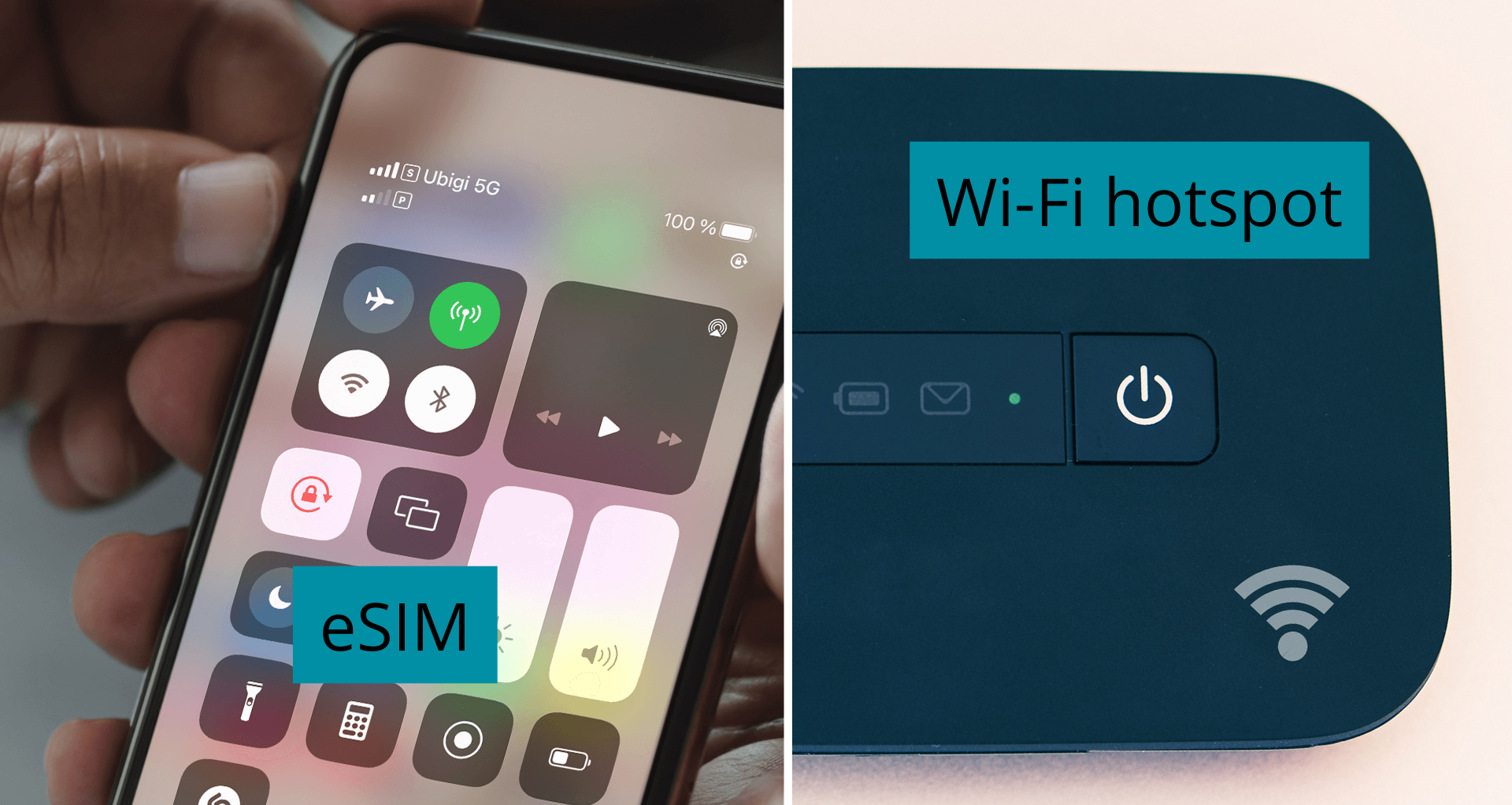
eSIM vs. Wi-Fi pocket: What is the best option?

eSIM vs. Wi-Fi pocket: What is the best option?

Choosing an eSIM over a portable Wi-Fi pocket offers several advantages for travelers seeking optimal connectivity: Device IntegrationThe eSIM is seamlessly integrated into the user’s smartphone, eliminating the need for an additional device such as a portable Wi-Fi hotspot. This integration provides a convenient solution for travelers looking to minimize the number of devices to carry. Instant ActivationActivating an eSIM is quick and simple, within minutes through a QR code or a dedicated app. This avoids the setup steps required with a Wi-Fi pocket. Global ConnectivityThe eSIM offers global cellular connectivity, eliminating dependence on Wi-Fi pockets. This flexibility allows travelers to stay connected without having to purchase or rent different

Read More
3